
Logon to Manager
To begin, open Ultipa Manager in your browser. Log in using your credentials.
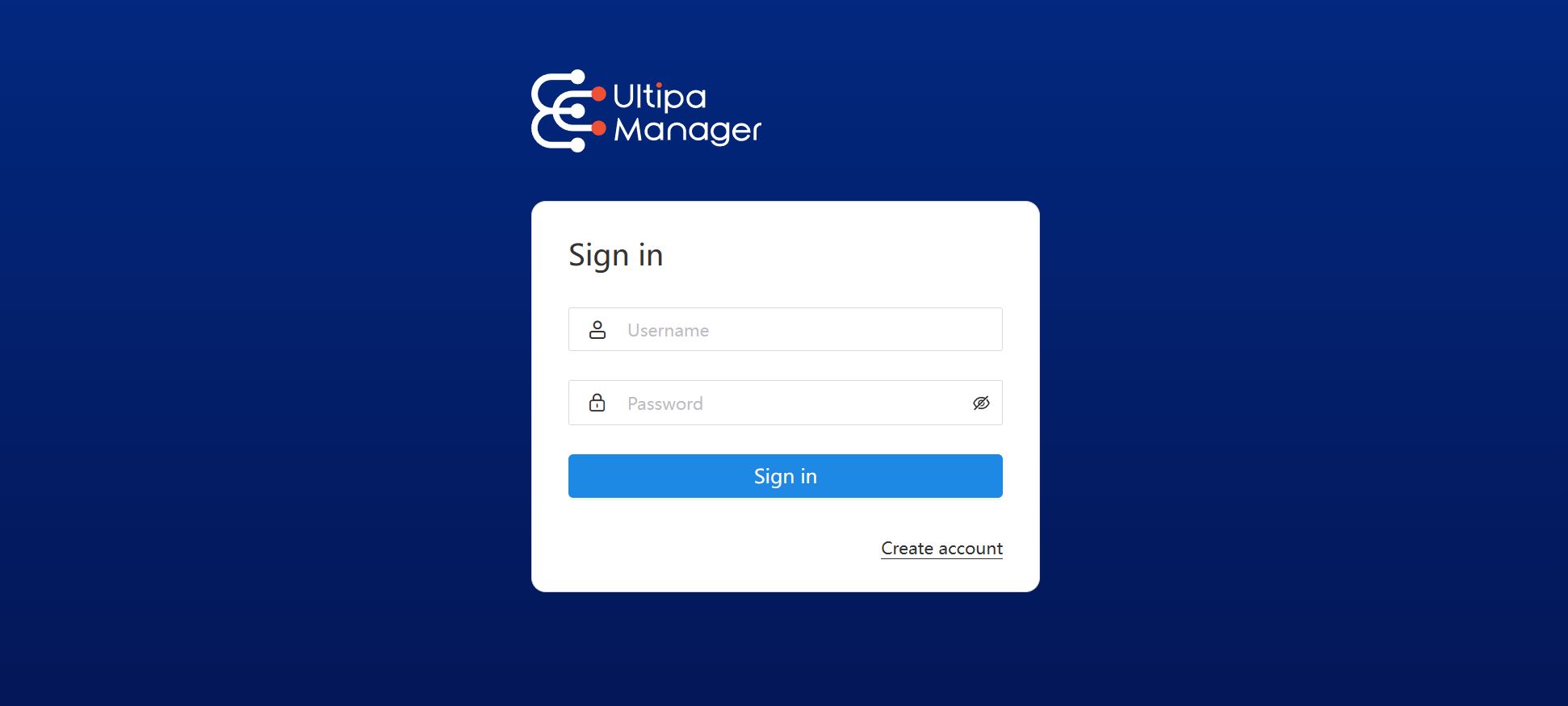
Click Create account to register if you don't have an account. Only a username and password are required.
User Roles
Ultipa Manager comprises two user roles:
- Administrator: This role includes both the root user and users granted administrative privileges.
- Regular User: The default role assigned after registration.
User List
Once logged in as an administrator, access the User List in the upper-right corner of the Instances page.

Administrators can edit user roles, reset user passwords and delete users (excluding the root user).