Auths
The Auths module is where you can manage the users, privileges, and policies of the database.
User
Name, Password
Please refer to the requirements outlined on this page.
System Privileges, Graphset Privileges
In Ultipa Graph, database privileges encompass both system privileges and graphset (graph) privileges:
- System privileges: Allow users to execute UQLs concerning the management of privilege, policy, user, graphset, and process at the database instance level.
- Graphset privileges: Allow users to execute UQLs concerning the management of schema, property, index, metadata, path, algorithm, and task at the graphset level.
More information can be found on this page.
Policy
You can select the policies created under the Policy section (below).
Manager Privileges
You can select the privileges associated with user interface (UI) operations within Ultipa Manager.
For instance, if the Create Graph option is unchecked, the corresponding operation button will be hidden from the user in the UI.
However, it's important to note that even if a UI option is disabled, the user may still have the capability to perform that operation by crafting the corresponding UQL commands. This capability depends on the system and graphset privileges granted to the user.
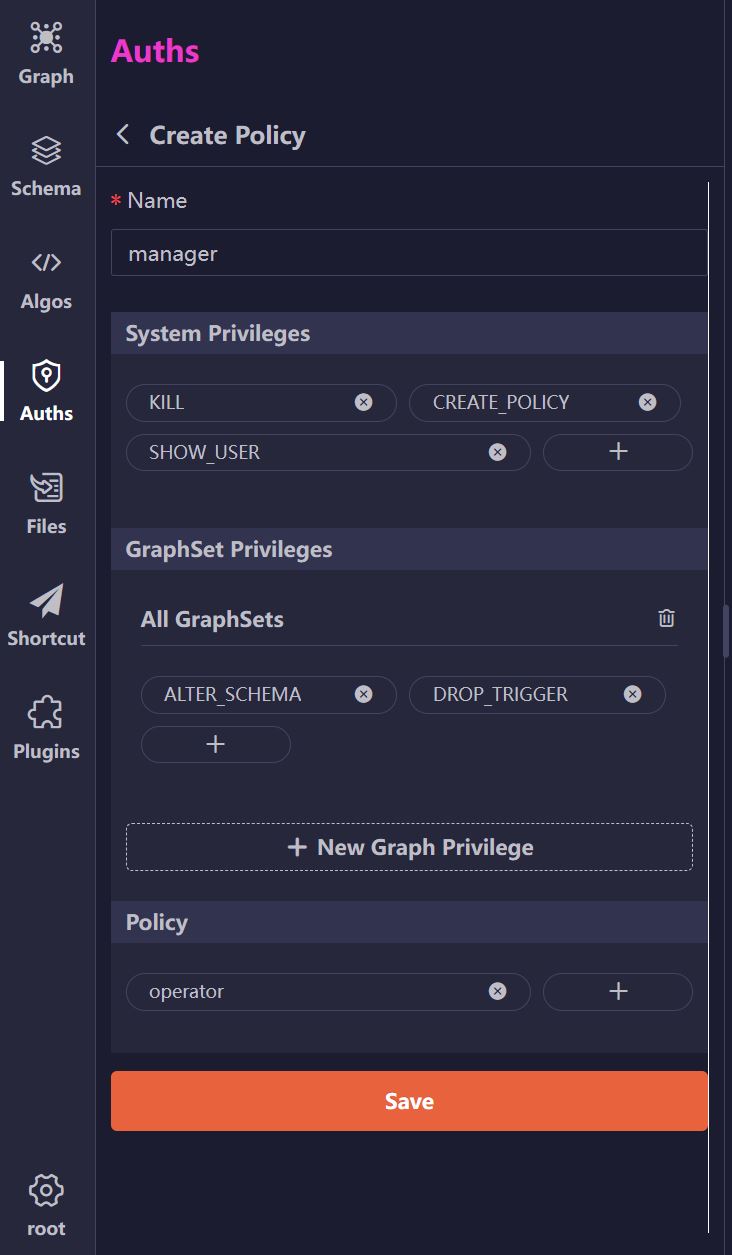
Policy
A policy is a custom combination of system and graph privileges designed for a specific user role. Additionally, a policy can contain sub policies. Detailed information can be found here.