Connect to Ultipa Graph
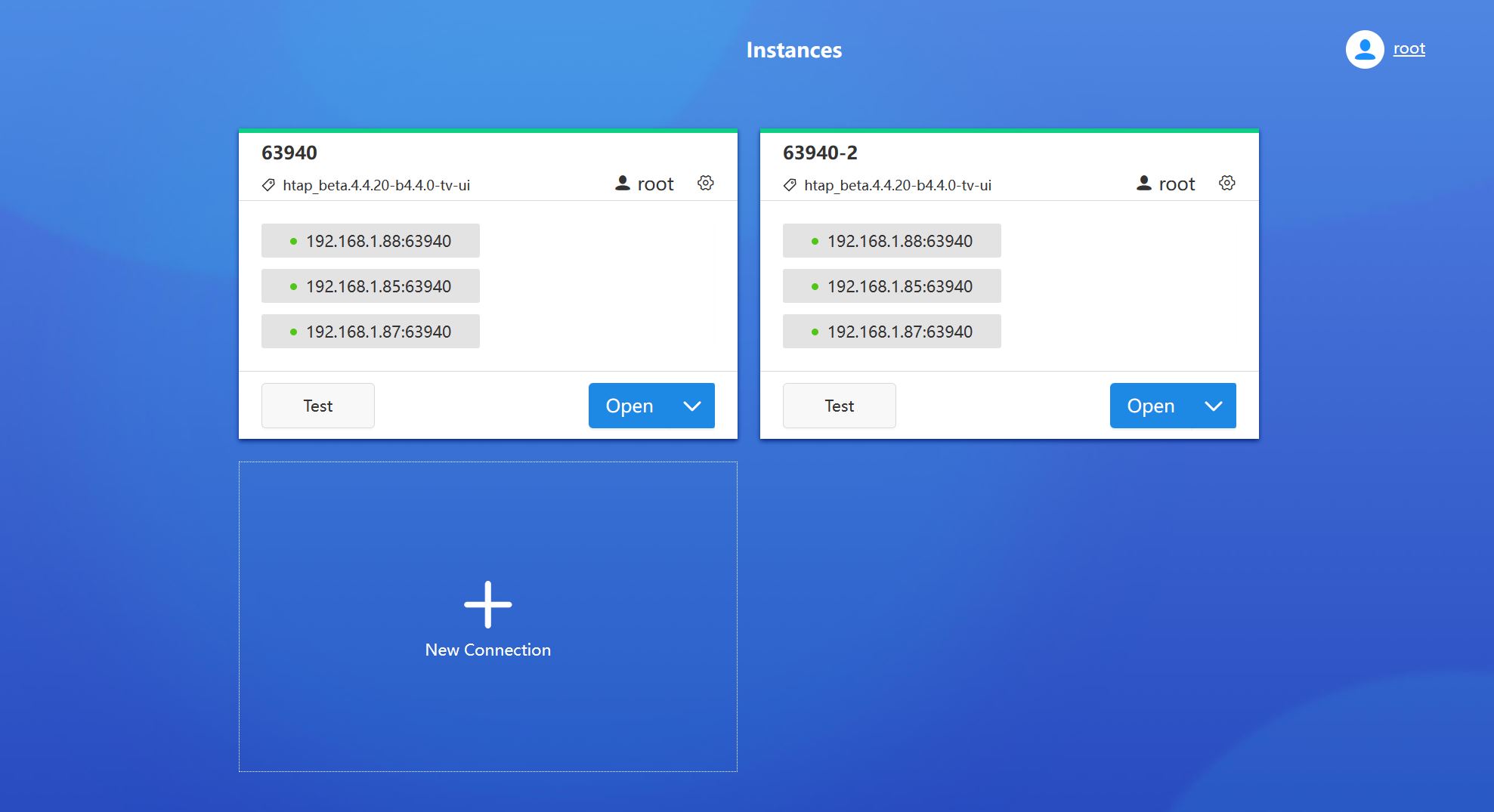
Upon logging in, users are directed to the Instances page, the central hub for managing Ultipa Graph instances. An instance refers to an individual server node.
New Connection
To establish a connection to Ultipa Graph, provide the following information:
Connection
- Hosts: A single server address (e.g., 192.168.1.85:64801) or server addresses of a cluster (e.g., 192.168.1.85:64801,192.168.1.85:64802,192.168.1.85:64803)
- Username: Username of a server user
- Password: Password of the user above
- Name: Custom name for the connection
Daemon (Optional)
Daemon provides database server management functionalities, including starting, stopping and monitoring each instance. This section lists all the server nodes entered in Connection > Hosts, and you need to specify the following items for each one:
- Port: Port for the daemon service
- License: License of the server; it will be compared with the license configured for the server node
Upon saving, the corresponding Ultipa Graph version will be displayed under the connection name in the connection card (e.g., htap_beta.4.4.21-b4.4.0-tv-ui) if the database is up and running.
A green bar atop the connection card signifies that the database is operational; otherwise, it appears in red. Click Test to update the status.
Open Connection
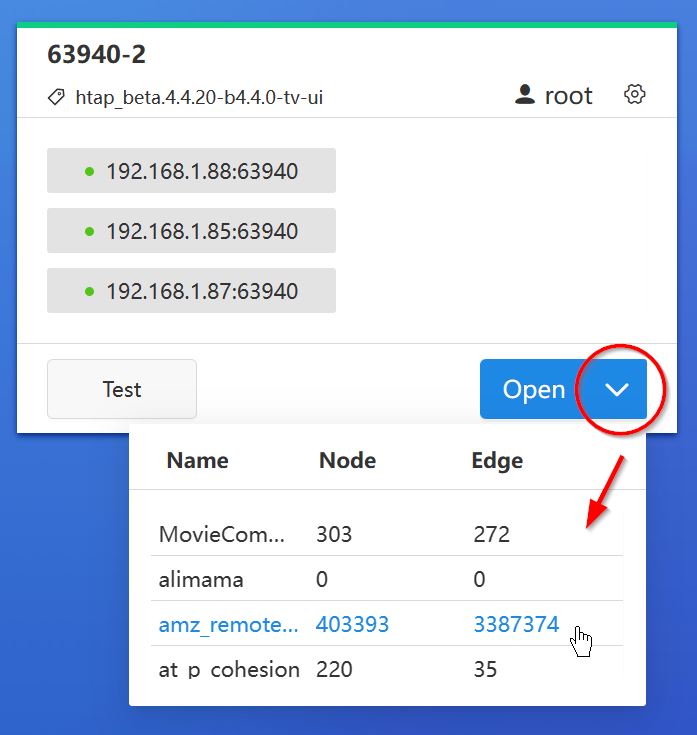
In the connection card, click the arrow besides the Open button to preview all graphsets in the database. Clicking on any of them will open the database and select that graphset as the current one. If clicks Open directly, it will open the database and select the last-used graphset.
Switch Connection
After opening a database, click the second icon in the bottom left corner to return to the Instances page and switch connections.

Daemon Operations
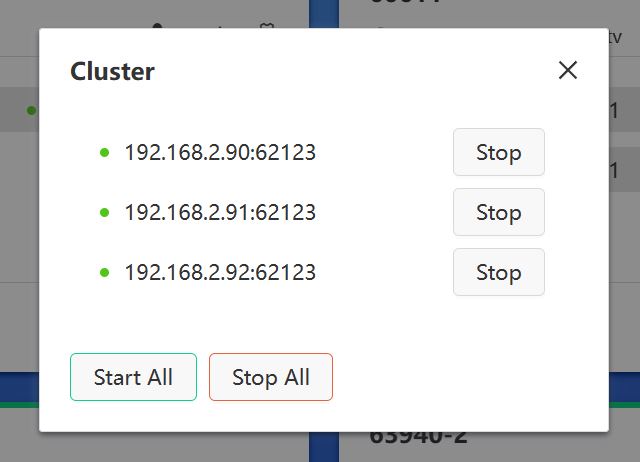
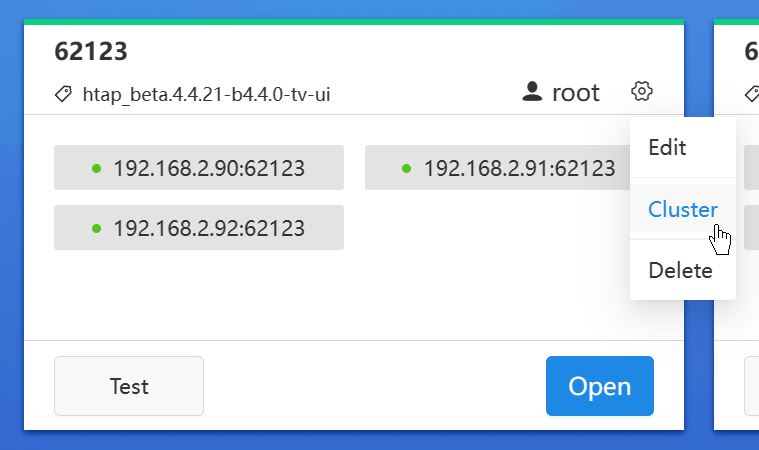
If the daemon settings are completed, navigate to the management area by clicking the gear icon on the connection card and selecting Cluster:
From here, you can start and stop single or all server nodes: