Export to GraphML
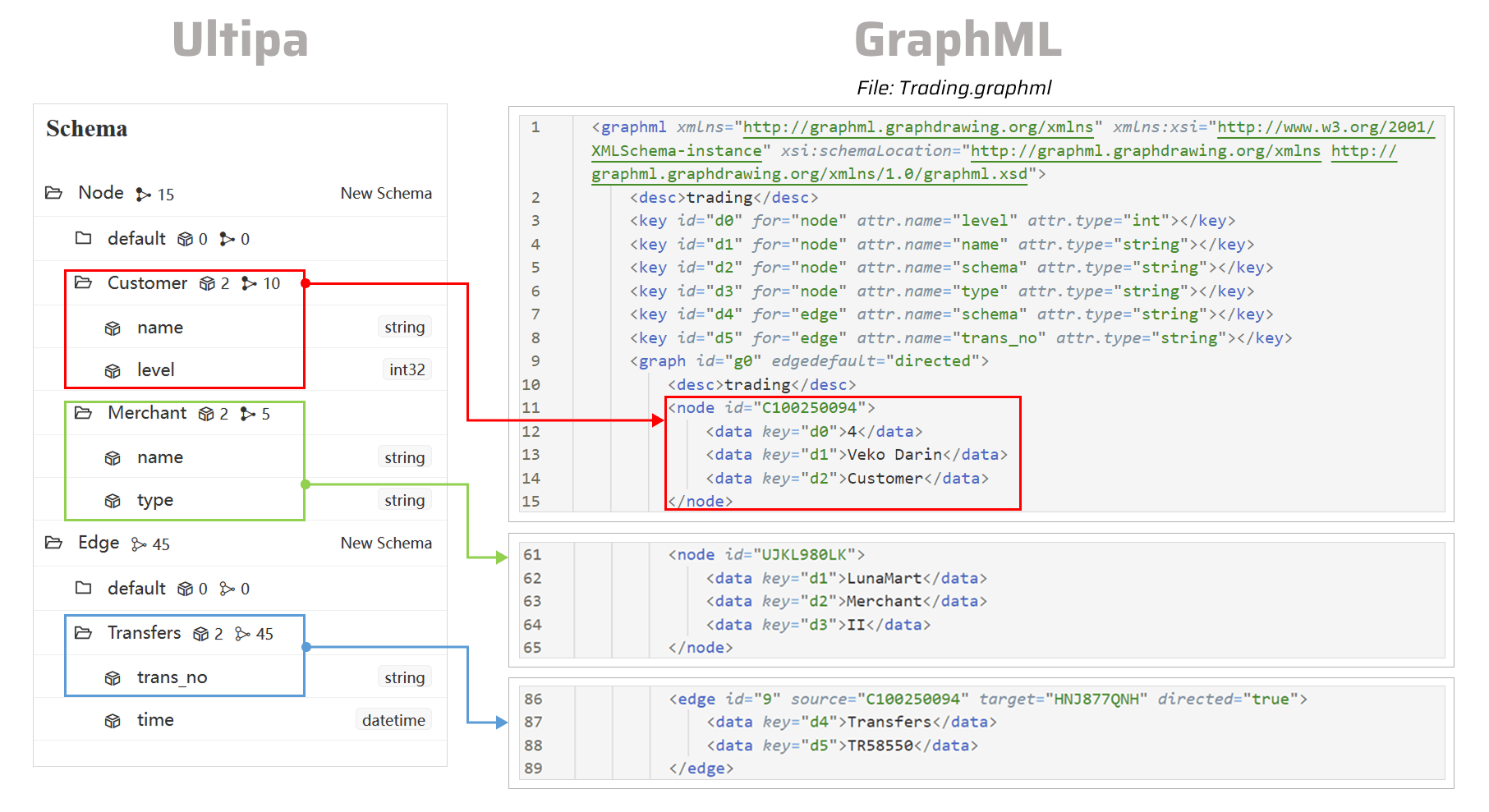
This page demonstrates the process of exporting data from a graph in Ultipa to a GraphML file.
NOTEThe following steps are demonstrated using PowerShell (Windows).
Generate the Configuration File
Open the terminal program and navigate to the folder containing ultipa-exporter. Then, run the following command to generate a sample configuration file:
Bash./ultipa-exporter --sample
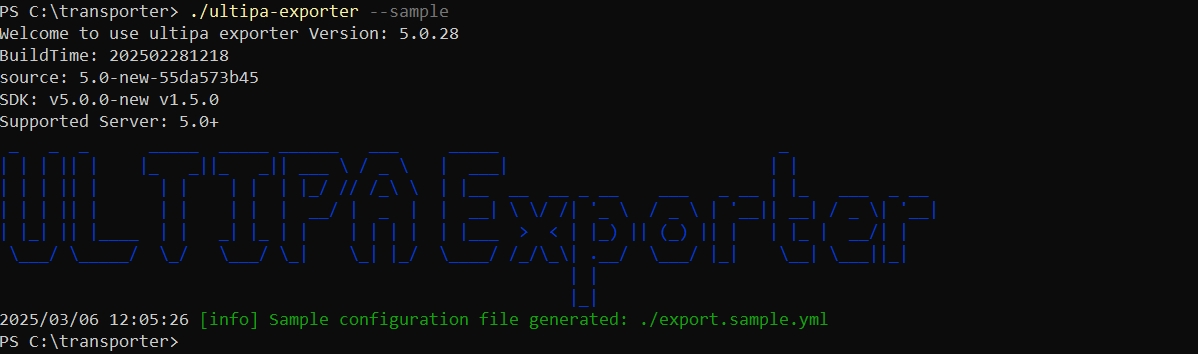
A file named export.sample.yml will be generated in the same directory as ultipa-exporter. If the file already exists, it will be overwritten.
Modify the Configuration File
Customize the export.sample.yml configuration file based on your specific requirements. It includes the following sections:
server: Provide your Ultipa server details and specify the target graph for data export.sftp: Configure the SFTP server where the GraphML file will be stored. If you will export to your local machine, remove this section or leave it blank.nodeConfig: Select node schemas and properties.edgeConfig: Select edge schemas and properties.settings: Set global export preferences and parameters.
export.sample.yml# Ultipa server configurations
server:
  # Host IP/URI and port; if it's a cluster, separate multiple hosts with commas
  host: "10.11.22.33:1234"
  username: "admin"
  password: "admin12345"
  # The graph for data export
  graphset: "trading"
  # Path of the certificate file for TLS encryption
  crt: ""

# SFTP server configurations
# If the files will be saved on your local machine, remove this section or leave it blank
sftp:
  # Host IP/URI and port
  host:
  username:
  password:
  # SSH Key path for SFTP (if set, password will not be used)
  key:

# Node configurations
nodeConfig:
  # Specify a schema; set to "*" to include all schemas with all properties
  - schema: "Customer"
  # Specify the custom properties; if unset, all properties will be exported
    properties:
      - name: name
      - name: level
  - schema: "Merchant"

# Edge configurations
edgeConfig:
  - schema: "*"

# Global settings
settings:
  # fileType: csv/json/jsonl/graphml
  fileType: graphml
  # Specify whether to include a header in the file
  writeHeader: true
  # The path of the exported files. If SFTP is configured, the SFTP path will be used instead
  outPath: "./exported"
  # Stops the export process when error occurs
  stopWhenError: true
  # The maximum threads
  threads: 32
  # The maximum size (in MB) of each packet
  maxPacketSize: 40
  # The gRPC timeout limit (in seconds) for exporting large datasets
  timeout: 1000
  # Timestamp value unit, support ms/s
  timestampUnit: s
Execute Export
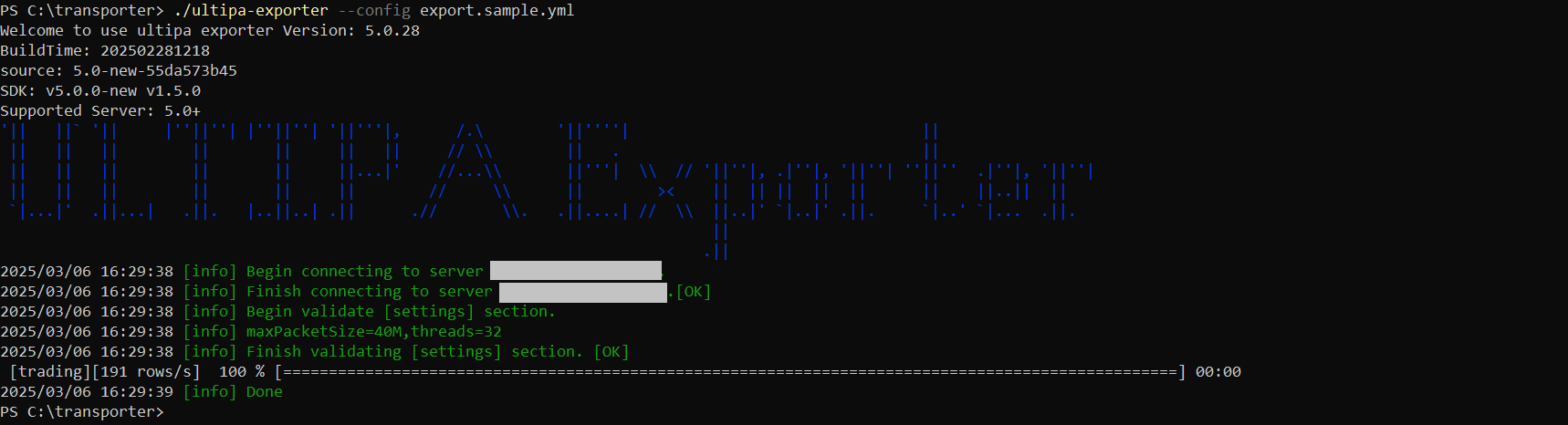
Execute the export by specifying the configuration file using the --config flag:
Bash./ultipa-exporter --config export.sample.yml